Online Move-Ins: How to Turn Website Visitors into Tenants Around the Clock
November 6, 2026 | Team StoRegister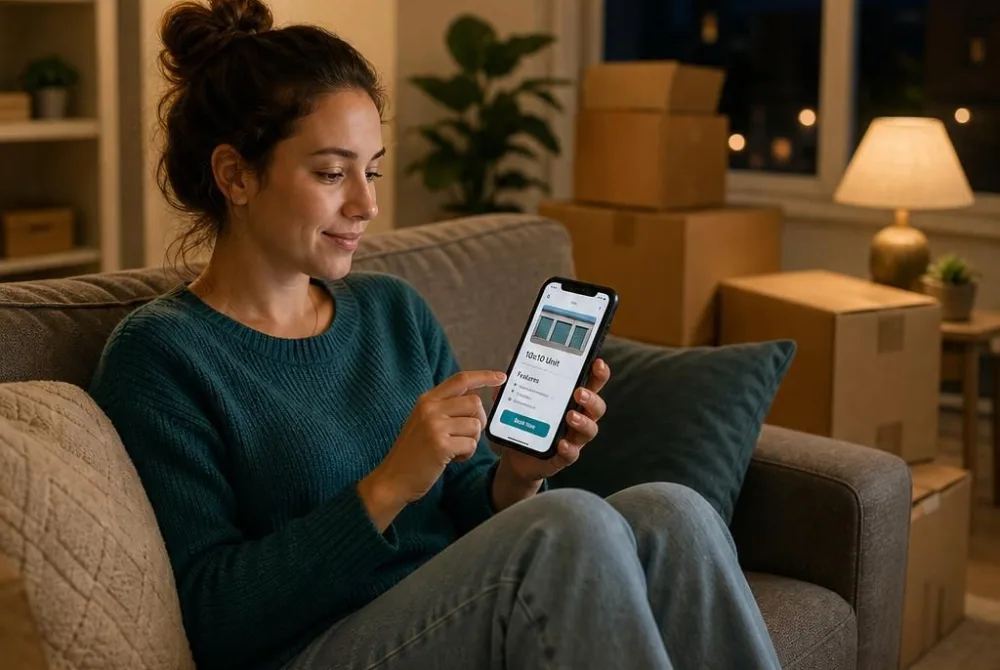
Think about how people rent things today. Holiday homes, cars, even office desks can be booked in a few minutes on a phone, at any time of day. Storage customers bring those expectations with them. When they find your facility online, many want to finish the whole process right there, without waiting for a call back. Done well, online move-ins turn website visitors into tenants around the clock.
That's what an online move-in is: a customer chooses a unit, signs the agreement and pays online, then arrives ready to move their belongings in. Here's why it matters and how to set it up well.
When customers look for storage
People rarely plan storage far in advance. It's usually triggered by a life event: moving house, renovating, a new baby, a business expanding or downsizing. Many of these searches happen in the evening or at weekends, when people finally have time to sort things out.
If your website only offers a phone number or a contact form, these customers have to wait until you're open. Some will. Others will book with a competitor who lets them finish online straight away.
The four steps of a good online move-in
A smooth online move-in usually follows four steps:
- Find the right unit. The customer sees available sizes, prices and features, ideally with help choosing the right size.
- Book it. They select a unit and move-in date, and the unit is reserved instantly.
- Sign the agreement. The rental agreement is presented online and signed with e-signature.
- Pay. The first payment is taken online, and recurring billing is set up.
After that, the customer receives confirmation and access details. Your team only needs to step in if something unusual comes up.
Help customers choose the right size
One of the biggest reasons people hesitate is uncertainty about unit size. "Will my things fit?" is a question that often leads to a phone call, or an abandoned booking.
A storage calculator helps here. Customers enter what they plan to store and see a suggested unit size, sometimes with a visual view of how their items fit. This reduces guesswork and makes customers more confident to book online.
Make the agreement part of the flow
Paper contracts are one of the main reasons move-ins take longer than they should. With e-signature built into the booking process, customers can read and sign their agreement on any device. The signed document is stored securely against their account, ready if anyone needs it later.
This also helps your team. No printing, scanning or chasing missing signatures.
Take payment upfront
Taking the first payment during booking confirms the customer's commitment and reduces no-shows. It also means recurring billing starts on the right foot. Customers appreciate the clarity of knowing exactly what they've paid and when the next payment is due.
Connect access to the booking
The best online move-ins don't stop at payment. When booking, agreement and payment are complete, the customer can receive their access details automatically. With access control linked to your software, they can arrive and open the gate or unit with their phone, even outside office hours.
Benefits for your business
Operators who offer online move-ins usually see clear benefits:
- More bookings outside office hours. You capture customers whenever they're ready.
- Less time on routine admin. Staff spend less time on paperwork and phone calls.
- Fewer errors. Customer details are entered by the customer and stored correctly.
- A better first impression. A modern, easy process builds trust from the first click.
- Clearer data. You can see how many people visit, start and complete bookings.
Common worries, and how to handle them
"I'll lose the personal touch." Online move-ins don't remove people from the process. They free your team to focus on customers who need help, while others serve themselves.
"What if customers choose the wrong unit?" A good size guide or calculator reduces this, and your team can still contact customers before move-in if something looks wrong.
"Is it secure?" Choose software that stores agreements and payment details securely, with clear data protection practices.
Making it work on your website
Your booking flow should feel like part of your website, not a separate system. Use your own branding, keep the steps short and test it on a phone. If it takes more than a few minutes, look for steps you can simplify.
Final thoughts
Online move-ins are no longer a nice extra. For many customers they're the expected way to rent storage. Offering them helps you win bookings at any time of day while reducing the admin that slows your team down.
StoRegister brings online booking, e-signature, payments and unit access together in one flow. Book a free demo to see an online move-in from the customer's side.
Useful resources: for wider industry guidance, see the W3C Web Accessibility Initiative.
Frequently asked questions
Can customers really rent a storage unit without visiting?
Yes. With online booking, e-signature and online payment, customers can complete the whole rental online and arrive ready to move in.
What if a customer books the wrong size?
A storage calculator helps customers choose correctly, and your team can still review bookings and contact customers before move-in if needed.
Does online move-in work for small facilities?
Yes. Small facilities often benefit most, because online bookings capture customers outside office hours without adding staff.
ALL in. ALL yours.
StoRegister is secure self-storage software with every feature included: bookings, e-sign, invoices, payments, unit access and AI Genie. Book a free demo.