One operating record
Keep tenant, rental, billing and facility context connected across the lifecycle.
StoRegister platform
Run leads, bookings, rentals, billing and reporting in Sleek, connect configured customer journeys through Mini Store, and adopt the platform with guided implementation or migration.
Applications, channels, registered devices, integrations and deployment options vary by plan, market, provider and agreed configuration.
Direct answer
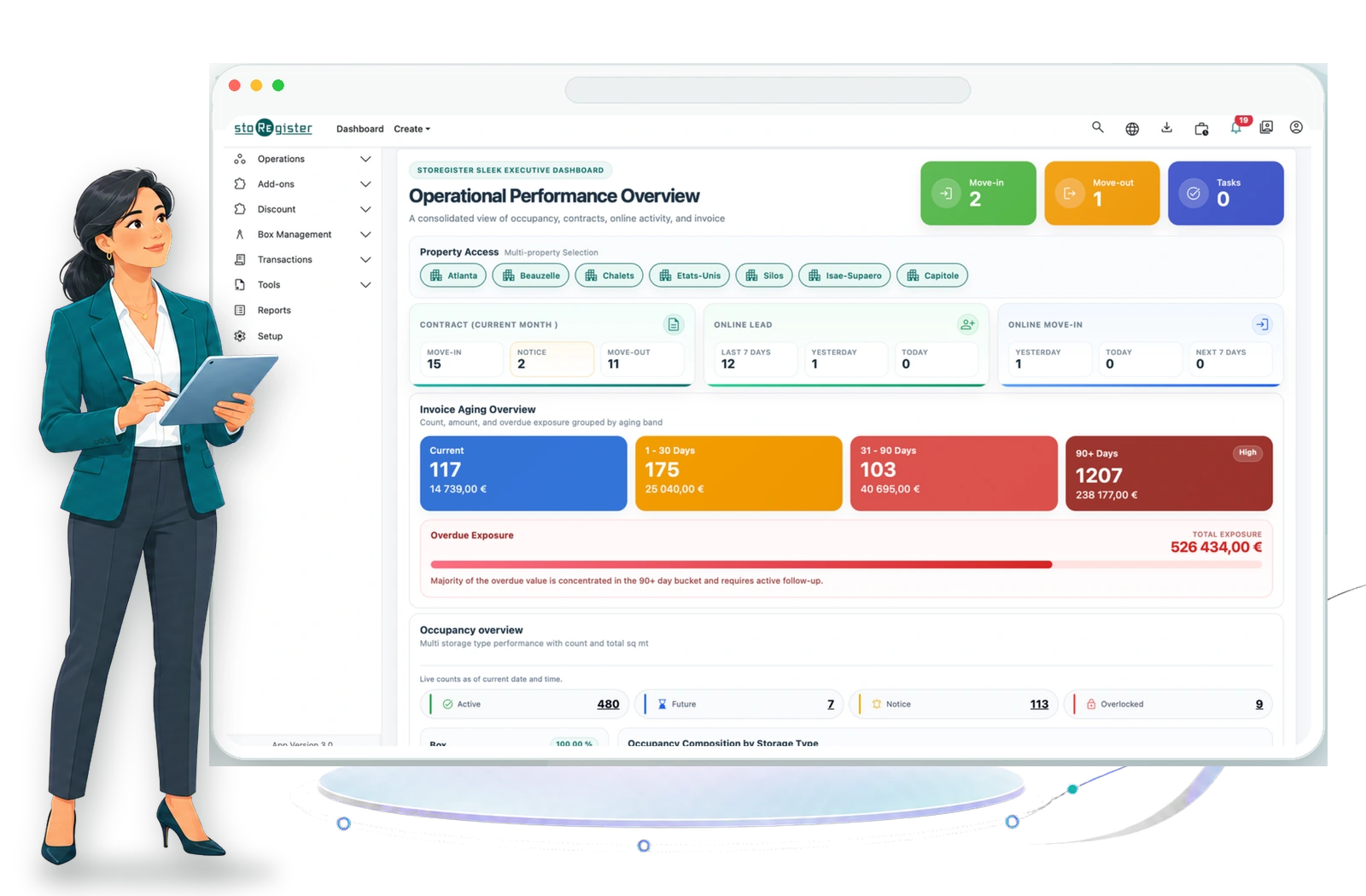
StoRegister is cloud self-storage management software for leads, bookings, tenants, space inventory, contracts, billing, payments, reporting and multi-facility operations. Sleek runs the operation, AI Genie assists inside Sleek Web, Mini Store serves configured customer journeys, and controlled integrations connect approved systems.
Keep tenant, rental, billing and facility context connected across the lifecycle.
Sleek serves authorised teams; Mini Store serves configured customer journeys.
Assess providers and Open API use cases before they enter the implementation scope.
Support independent operations or group work across businesses and facilities.
From enquiry to move-out
StoRegister connects the work before, during and after a rental. The exact route can be configured around your sales process, customer channels, payment providers and operating controls.
Capture enquiries, review availability, prepare quotes and keep follow-up activity visible to the team.
Review lead and operations workflowsMove a confirmed customer through reservation, required details, agreement, payment and guided move-in.
Explore onboarding workflowsWork with tenant, rental, inventory, billing, payment and follow-up context without splitting the record.
Explore finance controlsComplete the rental, preserve history and review facility or portfolio performance through reporting.
Explore reporting and intelligenceConnected product surfaces
Each surface has a defined audience and boundary, so teams can evaluate what belongs in the core platform, what customers use and what needs separate technical scope.
The operator application for leads, bookings, tenants, inventory, contracts, billing, reporting and authorised team workflows. Sleek Mobile is shown as StoRegister Go on registered devices.
Explore Sleek capabilities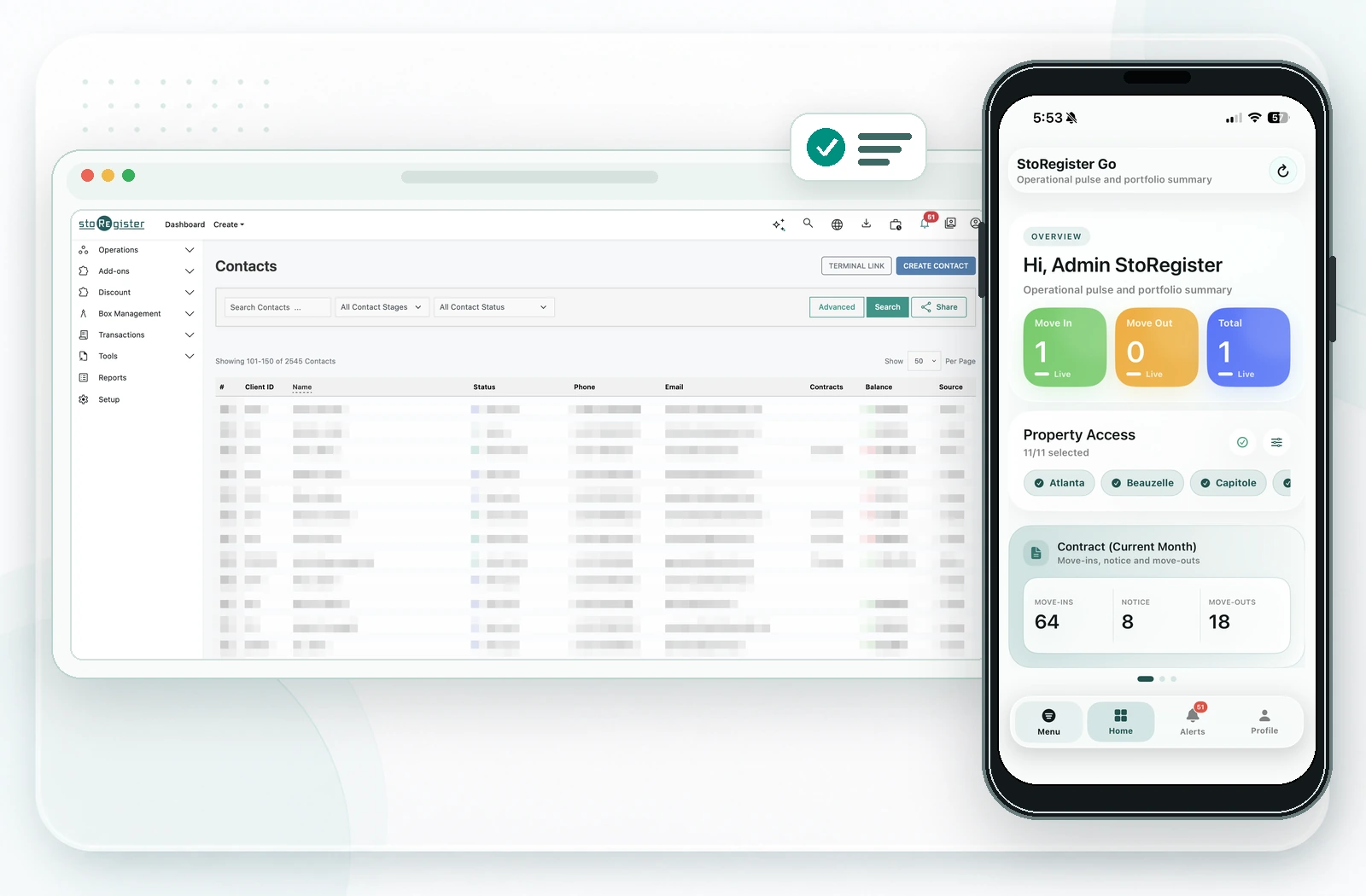
Ask natural-language questions inside Sleek Web, receive contextual explanations and open relevant application screens. Users verify records and retain decision control.
See AI Genie boundaries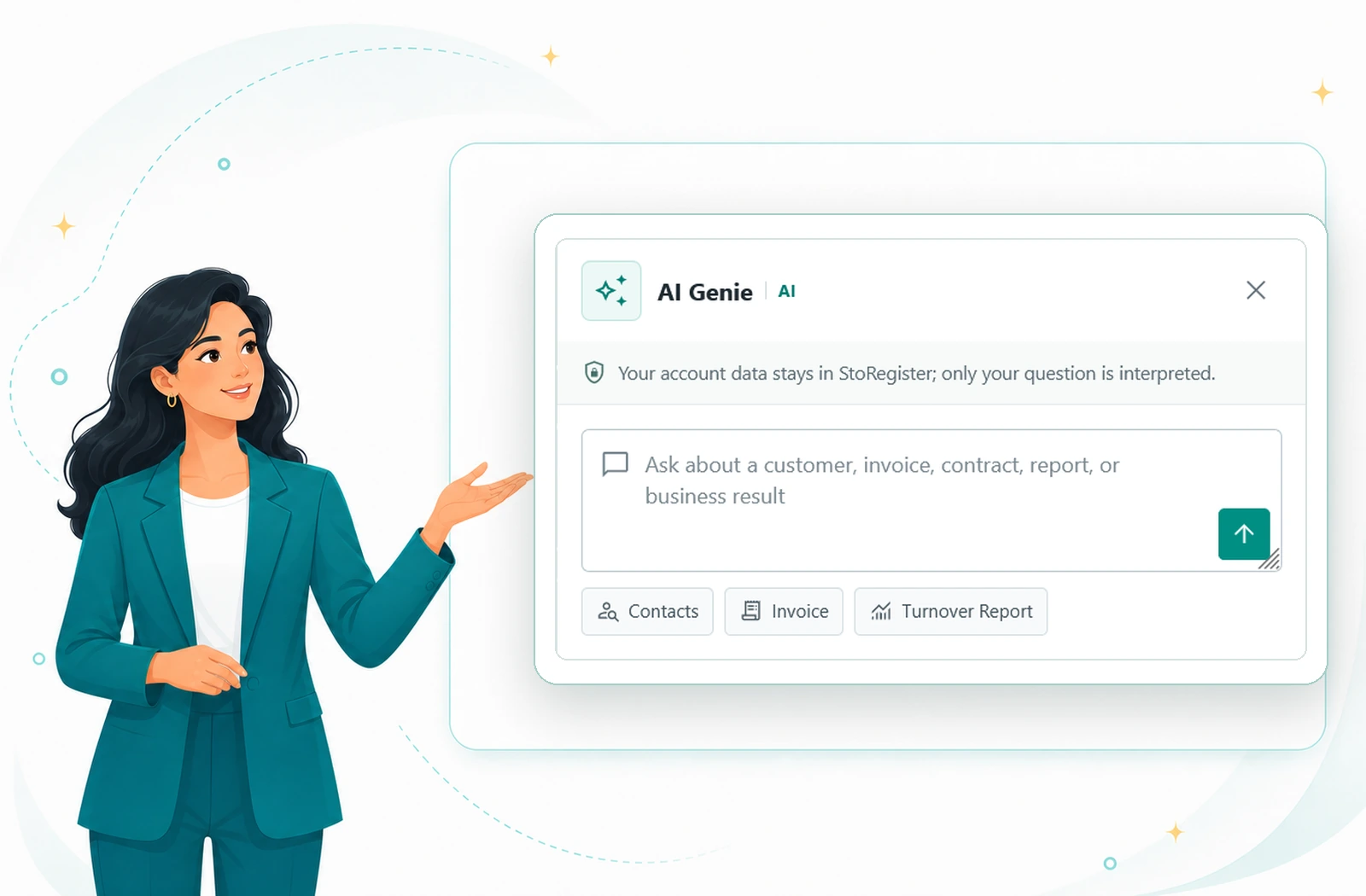
Give customers a configured route for discovery, booking, payments and tenant account access across supported channels.
Review customer journeys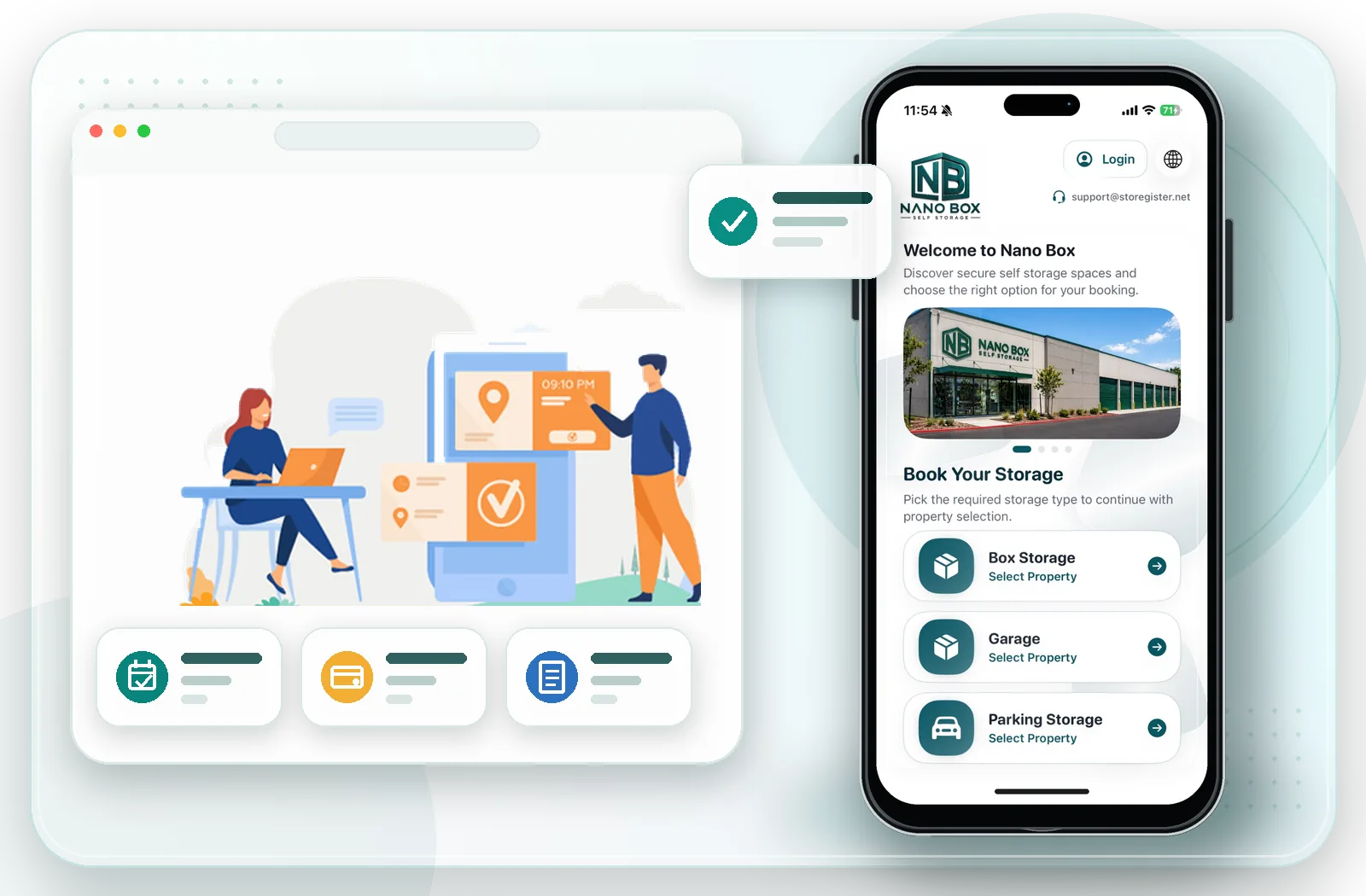
Extend approved booking experiences or integrations through documented API use cases with commercial, technical, security and testing boundaries agreed first.
Open API documentation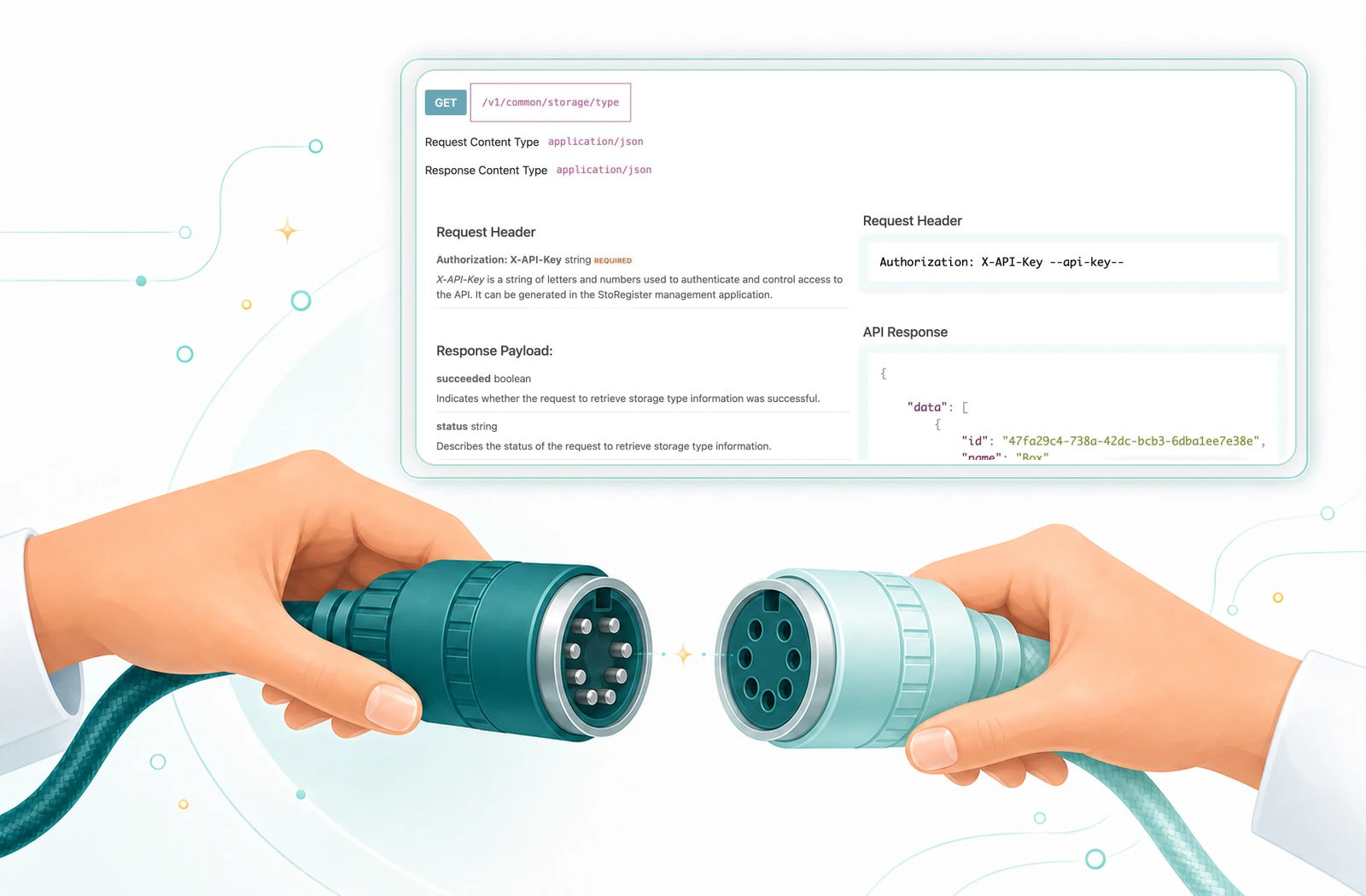
Implementation, migration & adoption
StoRegister provides a guided service for operators using management software for the first time and for teams replacing another platform. The objective is practical adoption in daily work—not merely activating a subscription.
We collect the agreed operating details, structure the initial account data and configure the selected StoRegister applications, permissions, workflows and compatible integrations.
We inventory the authorised source data, map supported fields, rehearse a representative sample, migrate and reconcile the accepted scope, then coordinate configuration and cutover.
Agree outcomes, source access, data scope, providers, owners and acceptance criteria.
Prepare account structures, roles, workflows and the compatible integrations selected for the project.
Build the initial dataset or test a representative migration sample before live transfer.
Test priority journeys, compare counts and balances, resolve exceptions and record customer acceptance.
Execute the agreed cutover, confirm operational readiness and track launch actions to closure.
Help agreed users learn in real work at their own pace, with assistance requests available 24/7.
Adoption can take the time your team needs. Post-launch guidance may continue for several months and, where agreed, up to one year, so users can build confidence without an artificial rush.
The agreement controls the commitment. Data, source access, integrations, fees, channels, staffed coverage, response and resolution targets, responsibilities, acceptance and the assistance end point are confirmed in the proposal and applicable agreement. 24/7 means a request can be raised at any time; it does not by itself promise immediate response or resolution.
Storage model directory
Four categories are explicitly supported today. Five specialist models are ready for a requirements-led fit evaluation, with their environmental, postal, records, warehouse or logistics boundaries kept visible.

Manage unit inventory, availability, rentals, tenants, billing and facility-level reporting.
Explore unit storage
Structure container inventory, rental status, customer records, billing and site workflows.
Explore container storage
Connect garage availability, customers, agreements, billing and operational history.
Explore garage storage
Track spaces, customer records, rental terms, billing and portfolio reporting.
Explore boat and RV storage
Evaluate rentable lockers or cellar spaces while scoping climate, collection and specialist-security needs.
Evaluate wine storage
Evaluate rentable mailboxes while scoping identity, mail handling, notifications, keys and postal needs.
Evaluate mailbox storage
Evaluate archive-space rentals without confusing the platform with records or document management.
Evaluate document storage
Evaluate rentable warehouse space while keeping stock, fulfilment and WMS requirements separate.
Evaluate warehouse storage
Evaluate pallet-space rentals while scoping goods, scans, movements, fulfilment and logistics needs.
Evaluate pallet storageRight task, right channel
Sleek Mobile and Mini Store solve different problems. Keeping that distinction visible makes plan and workflow evaluation clearer.
Give approved staff a focused route into operational context while away from the back office.
Provide a configured customer route without exposing the operator workspace.
Operational and financial control
Bring inventory, pricing, money movement and portfolio context together so each workflow has a clear record and the wider team can understand what changed.
Work with spaces, availability and facility context through the operating workflow.
Manage applicable price and tax changes with their operational context retained.
Connect invoices, credits, receipts, refunds, mandates and payment follow-up where configured.
Review operations at one facility or across a multi-facility structure.
Operate in your market
Provider names, hosting regions and feature labels are starting points. Turn each one into a documented, facility-specific decision before implementation.
Assess the exact market, provider, product version, API or configuration route, data direction and test scope.
Use the separately priced SafeRegister software application to bridge agreed StoRegister workflows with supported third-party access-control platforms.
Review standard deployment hubs in Paris, Ohio, the UAE and Sydney, or scope dedicated hosting in a customer-preferred AWS Region.
Plan supported sign-in, roles, languages, currencies, taxes and operating settings for each business and market.
Evidence-first evaluation
A useful product review separates the operating model StoRegister supports from the plan, provider and implementation decisions that still need evidence.
Put StoRegister on the shortlist when your priority is connected workflow rather than an isolated feature.
Do not treat a feature name, provider logo or region label as the final implementation answer.
List facilities, storage models, users, customer channels and markets.
Prioritise workflows, providers, migration, identity and deployment needs.
Use the demonstration to follow representative scenarios and exceptions.
Confirm plan, setup, integrations, responsibilities and proposal in writing.
Continue your evaluation
Move from the product overview into capability detail, commercial boundaries and due-diligence questions.
Product questions
Use these answers as a starting point, then document the plan, provider and implementation details that apply to your operation.
StoRegister covers leads, quotes, availability, reservations, tenants, rentals, contracts, billing, payments, collections, move-out and reporting workflows. Sleek runs operator work, Mini Store supports configured customer journeys, AI Genie assists inside Sleek Web, and approved systems can connect within a controlled integration scope.
StoRegister supports box or unit storage, container storage, garage storage, and boat or RV storage. Wine cellar, mailbox, physical document, warehouse and pallet pages are evidence-first evaluation guides; those specialist models must be demonstrated and documented before support is assumed.
Sleek is available for web, iOS and Android for authorised operator workflows; Sleek Mobile is shown as StoRegister Go on registered devices. Mini Store supports configured customer booking and account journeys through WordPress, iOS and Android. Channel access, registered-device allowances and capabilities depend on the selected plan and agreed configuration.
Mini Store can provide a configured route from availability and selection through booking, payments and tenant account access. The exact steps, payment provider, identity or document requirements, languages and supported channels depend on the selected plan, market, providers and implementation scope.
StoRegister can assess supported payment, e-signature, accounting and e-invoicing providers. Controlled Open API access can be enabled for approved documented use cases, while access-control connections are evaluated separately through SafeRegister. Compatibility depends on country, provider, API, product version, configuration, commercial scope and testing. Review the integration categories and Open API documentation during discovery.
No. SafeRegister is a separately priced software application that bridges agreed StoRegister workflows with supported third-party access-control platforms. StoRegister supplies the SafeRegister application and agreed software configuration, not gates, controllers, readers or other access-control hardware. Hardware procurement, installation, hardware licences and hardware support remain with the selected provider. Compatibility still depends on country, provider, product version, API or configuration route, facility hardware, commercial scope and testing.
StoRegister supports independent, multi-business and multi-facility operating models. Supported languages, currencies, taxes, identity and regional or dedicated AWS deployment options can be reviewed for international portfolios. Exact localization, data-location and provider requirements must be confirmed for each market.
AI Genie is available inside Sleek Web for natural-language questions, contextual explanations and routes to relevant application screens. Users should verify the underlying record in Sleek and retain control of operational and commercial decisions.
Yes. StoRegister collects the agreed business, facility, user, inventory and opening information, prepares the initial account data, configures selected StoRegister applications and compatible integrations, readies representative workflows, trains agreed users and guides the operation through go-live. Inputs, responsibilities, fees, acceptance and service commitments are documented in the proposal and applicable agreement.
Yes, for an agreed supported data scope. StoRegister inventories the authorised source export, maps supported fields, tests a representative sample, migrates and reconciles accepted data, and obtains customer acceptance before cutover. What can transfer depends on source access, export quality, supported fields, documents, provider compatibility and the agreed acceptance criteria.
There is no universal migration duration. Timing depends on authorised source access, export quality, supported fields and documents, data volume, provider dependencies, sample-rehearsal exceptions, reconciliation, customer acceptance and cutover readiness. The proposal and agreed cutover plan define the scope, owners, acceptance criteria and target dates.
After go-live, agreed users can continue adoption guidance at a pace suited to their team. Assistance requests can be raised 24/7, and the guidance period may continue for several months or, where agreed, up to one year. Channels, staffed coverage, response and resolution targets, fees, responsibilities and the adoption-support endpoint are defined in the proposal and applicable agreement.
StoRegister publishes Basic, Standard and Premium plans, plus a scoped Enterprise option. Plan, application, channel, capacity, registered-device, setup, migration, integration and hosting boundaries should be reviewed together. A relevant evaluation maps facilities and priority workflows, demonstrates them, and records the agreed scope and proposal. Start with the pricing page and software buyer's guide.
Build a relevant walkthrough
Bring your facility types, booking route, billing requirements, migration outline and integration shortlist.