Move-in
Request mapped access at the agreed rental state.
When the confirmed trigger is reached, SafeRegister can request the scoped provider action for the mapped customer, unit and facility.
SafeRegister · self-storage access integration
SafeRegister is StoRegister's separately priced integration application. It coordinates approved software hand-offs between a StoRegister rental record and compatible third-party access-control systems for the exact facility, product and workflow confirmed in writing.
Where provider capability allows, scoped move-in, account-status and move-out events can request an access change and return a status for operator follow-up.
StoRegister supplies SafeRegister and the agreed software configuration. Gates, controllers, readers, installation, third-party licences, physical behaviour and field support remain with the selected access-control provider or the operator's appointed hardware partner.
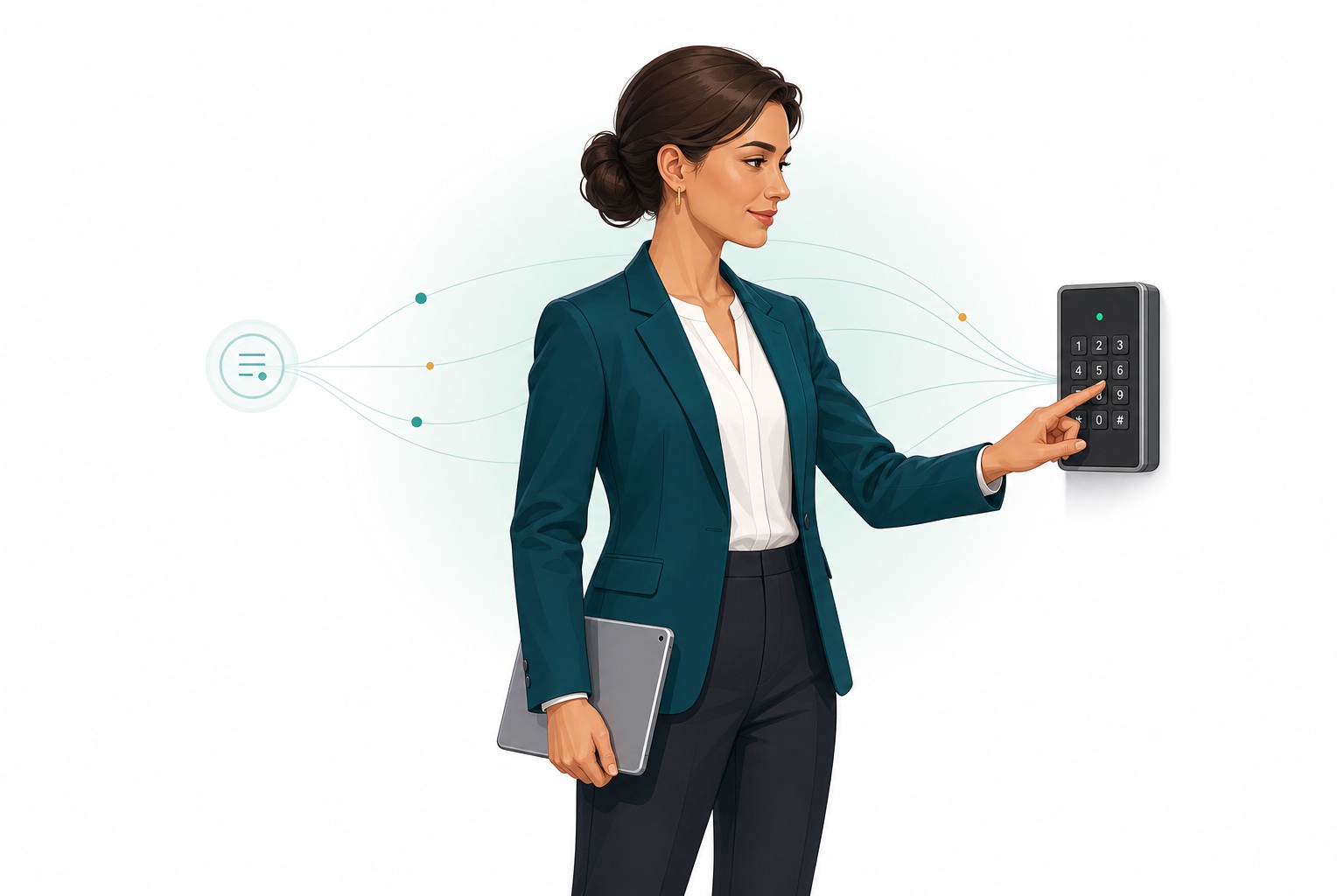
01 · Connected rental lifecycle
SafeRegister coordinates the agreed software hand-off while StoRegister remains the operating record and the selected access-control provider remains responsible for its platform and physical hardware.
Move-in
When the confirmed trigger is reached, SafeRegister can request the scoped provider action for the mapped customer, unit and facility.
Account status
A supported, explicitly scoped account-status event can request a provider action without treating the payment record and physical hardware as the same system.
Move-out
The agreed rental-end event can request the mapped provider action and keep the returned status available for operational follow-up.
Exceptions
Each accepted status, retry, alert, reconciliation step and manual or physical fallback is defined before the facility depends on it.
Capability boundary: available events, timing, returned statuses and physical outcomes depend on the exact provider, product version, facility configuration and written implementation scope.
02 · Map the workflow boundary
An access-control evaluation is stronger when it begins with a real operating event and ends with a named outcome, exception path and owner. Use this boundary model in discovery; the actual direction, payloads, statuses and timing depend on the selected provider and agreed configuration.
Identify the booking, contract, tenant, unit or operator event that should affect access.
Agree what StoRegister and the provider exchange, in which direction and at what point.
Confirm the provider product, gate or Smart Box behaviour and the facility mapping it requires.
Define accepted, rejected, delayed and unavailable states, then assign retry, alert and fallback.
03 · Confirm compatibility
Supported gate, Smart Box and access-control workflows vary by country, provider capability, API and configuration requirements, and agreed scope. A compatibility decision needs all five gates below.
Where is the site, and which gates, entry points, levels or units are in scope?
Which provider product, controller, firmware, Smart Box and hardware version are installed?
Is suitable provider capability available through an API or agreed configuration path?
Which event, identifier, data direction, timing, response and access outcome are required?
Who monitors, retries, escalates, recovers and operates the fallback when a boundary fails?
Compatibility-review examples
Nokē Smart Entry, PTI Security Systems / StorLogix Cloud, sedisto and Sensorberg One Access can enter a SafeRegister review. The CSI entry requires its exact legal provider and product identity first. Confirm the country, provider product and version, API or configuration route, controller, Smart Box and workflow for each facility.
Provider directory reviewed 23 July 2026
View the current integrations areaDecision rule: do not mark an integration “confirmed” until provider, facility hardware, workflow, configuration, test evidence and ownership are documented in the agreed scope.
04 · Ask better questions
Bring one normal scenario and several exceptions from your own operation. Record the answer, evidence, dependency and owner beside every question rather than accepting a general feature statement.
05 · Implement, adopt and stabilise
Treat each facility as an implementation with explicit gates. A provider used at one site or in one market does not automatically establish the same scope elsewhere. StoRegister continues application guidance at the operator's pace after go-live; third-party hardware and provider support remain separate.
Inventory facilities, entry points, providers, versions, hardware, Smart Boxes, credentials and operating scenarios.
Document triggers, identifiers, data direction, permissions, responses, timing, errors and system ownership.
Map the agreed facility and hardware scope, separate test and live settings, and record configuration owners.
Test the normal path, rejection, delay, provider unavailability, retry, reconciliation and manual or physical fallback.
Agree the rollout window, monitoring, escalation contacts, change process, support boundary and recovery checks.
Use on-demand StoRegister support requests and role-based guidance until authorised users can operate the agreed application workflow confidently.
No go-live until the operational owner can explain the normal path, the failure path and the fallback. After go-live, StoRegister accepts application-support requests 24/7 and continues guidance at the team's pace; provider field support follows the operator's separate provider agreement.
06 · Assign failure ownership
The exact failure behaviour depends on provider capability and implementation scope. Use this ownership table to turn that uncertainty into operational decisions before the site depends on the workflow. The roles below describe operational responsibility, not legal liability.
| Boundary event | Decision required before go-live | Name an owner |
|---|---|---|
| Provider API or connection is unavailable | Timeout, retry, alert, queueing and operational fallback | Monitoring and escalation |
| Request is rejected or mapping is missing | Reason visibility, correction path and reconciliation check | Data and configuration |
| Credential or permission expires | Rotation schedule, warning route and emergency replacement | Provider administration |
| Gate, controller or Smart Box does not act | Hardware diagnosis, provider escalation and physical fallback | Facility operations |
| Systems show different outcomes | Authoritative record, evidence, correction and closure criteria | Reconciliation |
| Provider or facility configuration changes | Impact review, regression tests, approval and release window | Change management |
07 · Published commercial terms
SafeRegister remains separately priced from StoRegister plans. These charges cover the integration application and agreed software configuration. Access-control hardware, installation, third-party licences and field services remain outside StoRegister scope and are governed by the operator's agreements with its selected third parties.
Recurring
Per facility, for up to 100 rentable storage spaces (boxes)
One-time setup
For each connected Smart Box configured at a facility
Access-control questions
Use these answers to prepare a provider- and facility-specific SafeRegister discussion.
SafeRegister is a separately priced StoRegister integration application for self-storage access workflows. It coordinates only the provider, product, facility configuration and workflow confirmed in written scope. StoRegister supplies the SafeRegister software and agreed software configuration; it does not supply gates, controllers, readers, installation, third-party licences or field support.
Nokē Smart Entry, PTI Security Systems / StorLogix Cloud, sedisto and Sensorberg One Access are current compatibility-review starting points. CSI can enter the review only after its exact legal provider and product identity is confirmed. A provider name is not a guarantee for every country, version, controller, API route, Smart Box or workflow.
Potentially, but only after a facility-specific review. The selected access-control provider must confirm the installed hardware, product version and available integration or configuration route. StoRegister then assesses the requested software hand-off. Existing hardware is not automatically compatible.
Where provider capability and the written scope allow, an agreed StoRegister event can request a mapped access change and retain the provider response for operator follow-up. The exact trigger, direction, timing, accepted status, exception path and physical outcome must be tested for each facility.
The selected access-control provider or the operator's appointed hardware partner supplies and supports gates, controllers, readers, installation, hardware licences, physical behaviour and field service. StoRegister supplies the SafeRegister application and the agreed software configuration only.
The failure response is provider- and scope-specific, so it must be agreed before go-live. Define monitoring, rejection and timeout handling, retry rules, alerts, manual or physical fallback, escalation contacts, recovery checks and ownership for each boundary.
SafeRegister is GBP 50 per year per facility for up to 100 rentable storage spaces (boxes). A one-time GBP 150 software configuration and setup fee applies for each connected Smart Box configured at a facility. A quote confirms quantities, applicable taxes, country availability and any third-party charges. Access-control hardware, installation, licences and field service are separate.
On this page, Smart Box means the provider-side access controller or gateway identified in the agreed SafeRegister configuration. Provider terminology and hardware architecture can vary, so the quote must name the exact device and quantity. The published setup fee is GBP 150 once for each connected Smart Box configured at a facility.
StoRegister records the country and facility, exact provider product and version, connection route, workflow and data direction, hardware mapping, permissions, normal and failure tests, acceptance criteria, fallback and named operational owners. Compatibility is confirmed only for that written scope.
Prepare the country, facility and entry-point map, provider and product name, version, controllers or Smart Boxes, required move-in, account-status and move-out workflows, user roles, expected exceptions and fallback, and technical and operational contacts.
Bring your provider details
Share the country, provider, product version, hardware, Smart Boxes, required workflow and failure fallback. StoRegister can then assess compatibility and shape the discussion around an agreed scope.