Automated Payments and Recurring Billing for Storage Operators
November 18, 2026 | Team StoRegister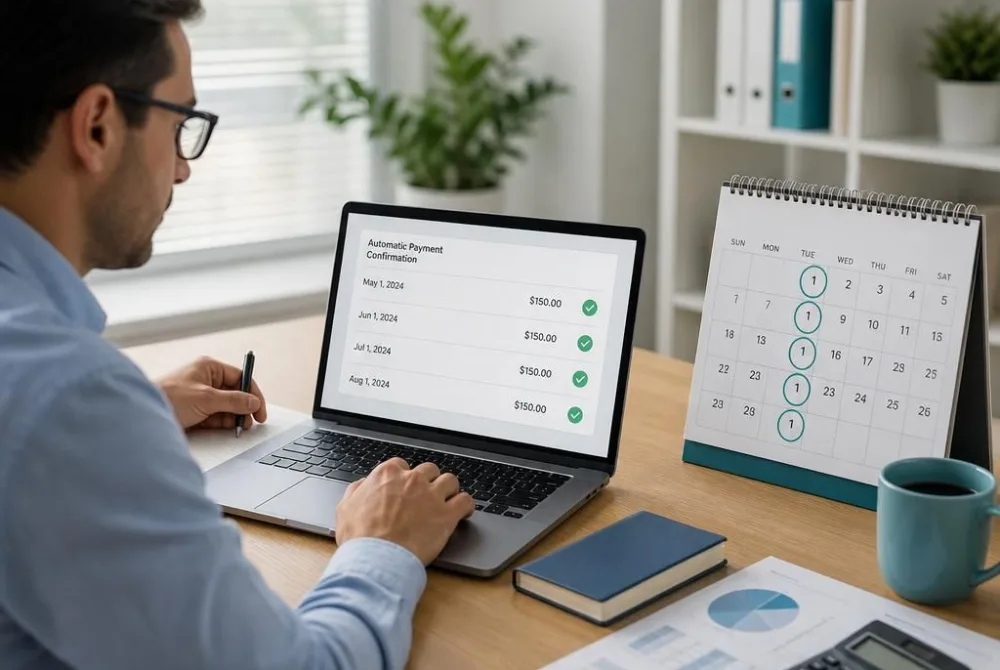
Rent collection is the engine of any storage business. When it runs smoothly, cash flow is steady and your team can focus on customers. When it doesn't, hours disappear into creating invoices, matching payments and chasing tenants. Automated recurring billing takes most of that work away.
Automated recurring billing takes most of that work off your plate. Here's how it works, why it matters and how to set it up well.
What is recurring billing?
Recurring billing means invoices are created automatically on a regular schedule, usually monthly, based on each tenant's rental agreement. When combined with automatic card payments, rent is collected on the due date without the tenant or your staff needing to do anything.
For storage, where most rentals continue month after month, this is a natural fit.
The cost of manual billing
Manual billing might not look expensive, but it adds up:
- Time spent creating and sending invoices.
- Mistakes in amounts, dates or tenant details.
- Payments that need matching to the right account.
- Forgotten invoices and missed income.
- Extra calls and emails from confused tenants.
As your facility grows, these costs grow with it.
Benefits of automation
Consistency. Every tenant receives an accurate invoice on time, every time.
Predictable cash flow. Automatic payments arrive on schedule, making it easier to plan.
Fewer late payments. When rent is collected automatically, there's less chance of tenants forgetting.
Less admin. Your team only deals with exceptions, such as failed payments or changes to a rental.
Better customer experience. Tenants appreciate clear invoices and not having to remember to pay.
Getting the details right
Automation works best when the setup is right. Pay attention to:
- Billing dates. Decide whether everyone is billed on the same day or on their move-in anniversary.
- Pro-rata charges. Make sure partial months at move-in and move-out are calculated correctly.
- Price changes. Plan how and when rate changes are applied, and give tenants clear notice.
- Extras. Include insurance, locks or other services in the same invoice where possible.
- Taxes. Ensure tax is calculated correctly for each customer type and location.
Handling failed payments
Even with automation, some payments will fail, usually because a card has expired or been replaced. Your system should flag failed payments immediately, notify the tenant and make it easy for them to update their details online.
Linking access control to account status, in line with your rental agreement, gives tenants a clear reason to resolve failed payments quickly.
Business customers and e-invoicing
Business tenants often have different needs: invoices with company details, purchase order numbers or payment by bank transfer. In many countries, structured electronic invoicing is becoming expected or required for business transactions.
StoRegister integrates with leading e-invoicing solutions, so invoices for business customers can flow through the right channels without extra manual steps.
Reporting and visibility
Automated billing also improves your reporting. You can see at a glance how much has been invoiced, paid and outstanding, by site or across the business. With AI Genie, you can simply ask how much revenue is overdue this month.
This visibility helps you spot problems early and make better decisions.
Moving from manual to automated billing
If you currently bill manually, a few steps will make the switch smoother:
- Check tenant records. Make sure rates, start dates and contact details are correct.
- Choose your billing schedule. Decide on dates and how to handle pro-rata amounts.
- Collect card details. Invite existing tenants to set up automatic payments online.
- Communicate clearly. Explain the change and its benefits to tenants.
- Monitor the first cycles closely. Check invoices and payments carefully for the first few months.
Billing as part of an all-in-one system
Billing works best when it's connected to everything else: bookings, agreements, unit status and access. When a customer books online, their billing should start automatically. When they move out, it should stop. When they fall behind, access rules can apply.
That's why StoRegister includes invoices and payments alongside bookings, e-sign and unit access, all in one secure platform.
Communicating billing clearly to tenants
Clear billing communication prevents most queries before they start. When a tenant moves in, explain how and when they'll be billed, what's included and how to update their payment details. Invoices should show the rental period, unit, any extras and taxes in a simple layout.
If you change billing dates, rates or payment methods, tell tenants well in advance and explain what they need to do, if anything. Tenants who understand their bills pay more reliably and contact you less, which saves time for everyone. A short billing section in your tenant app or on your website, answering common questions, can reduce routine calls even further.
Useful resources: for wider industry guidance, see the European Payments Council guide to SEPA Direct Debit.
Frequently asked questions
Can tenants still pay by other methods?
Most systems support several payment options. Automatic card payments are usually the most efficient, but you can offer alternatives where needed.
Should I bill everyone on the same day?
Some operators prefer one billing date for simplicity, others bill on each tenant's move-in date. Choose what suits your cash flow and processes.
What about price increases?
Plan them carefully, give tenants clear notice and make sure your agreement allows for rate changes.
Final thoughts
Automated recurring billing is one of the simplest ways to save time and stabilise cash flow in a storage business. Set it up carefully, handle exceptions quickly and let the system do the routine work.
Book a free StoRegister demo to see how invoices, payments and e-invoicing work together in one place.
ALL in. ALL yours.
StoRegister is secure self-storage software with every feature included: bookings, e-sign, invoices, payments, unit access and AI Genie. Book a free demo.